
1. Log on to the eyos retail login
2. If you can see a dropdown at the top of your login page, please select the company, you would like to resend a receipts from.
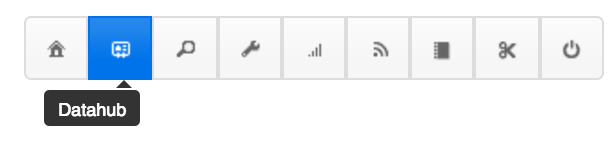
3. If you have a manager profile, you'll see an icon menu at the top of the screen: select the Datahub icon (See screenshot below). If you are a Datahub user you will see the Datahub homepage directly (go to step 4 below)
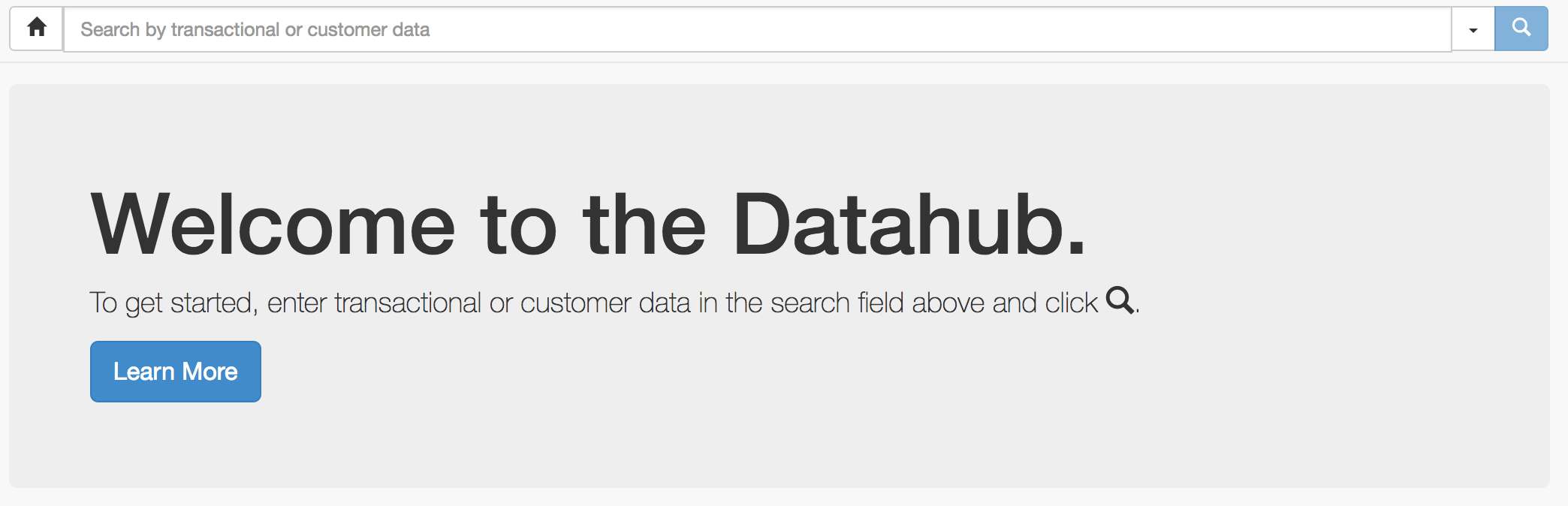
4. Search for the receipt that you would like to resend by typing your search term(s) in the search box. You can search for any element of the receipt, the email address, the store ID etc. You can also use the advanced filters by clicking on the arrow next to the Search button.
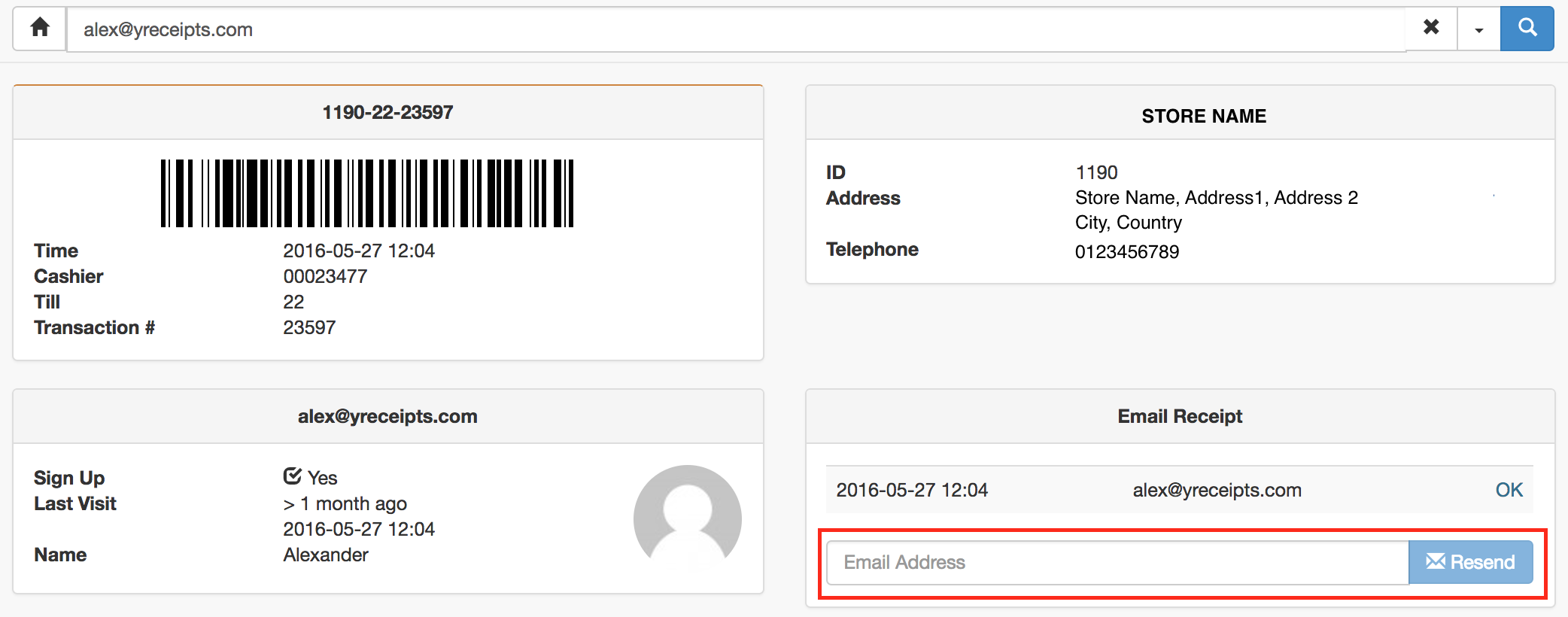
5. Once you found your transaction, enter the email address you would like to send the receipt to, and press "Resend"
tags: resend, transaction, re-send digital receipt, incorrect address.