
1) Log in to your Datahub account
2) [If you manage multiple accounts under your main account], select the correct sub-account from the drop-down list at the top of the screen. 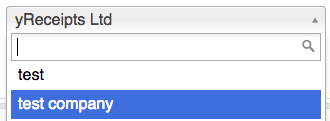
3) Load the Datahub by clicking on the Datahaub icon in the top-right corner of your screen.

4) Search for the email address of the customer whose details are to be rectified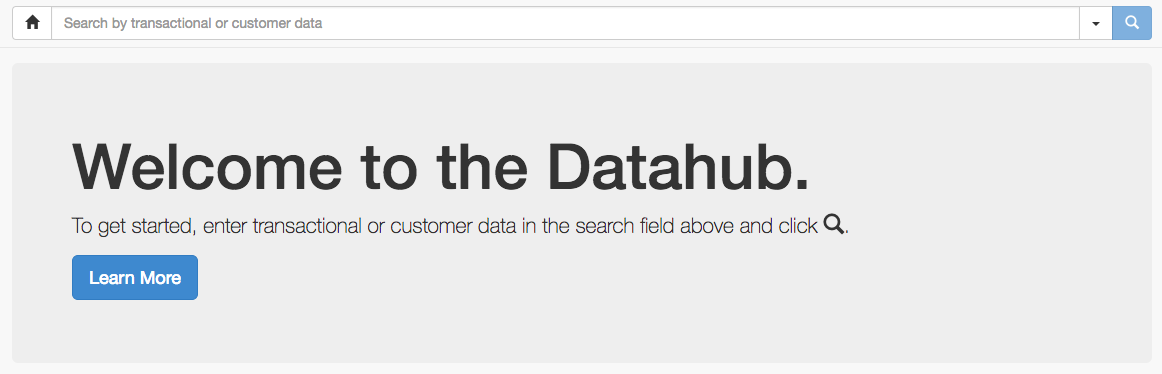
5) Select the correct search result. You can either go directly to the customer profile or into a transaction and click on the email address there to get to the customer profile.
6) Ensure you have selected a store and till at the bottom of the screen.

7) To amend a customer's email, erase the current email registered to them and enter the email you wish to replace it with.
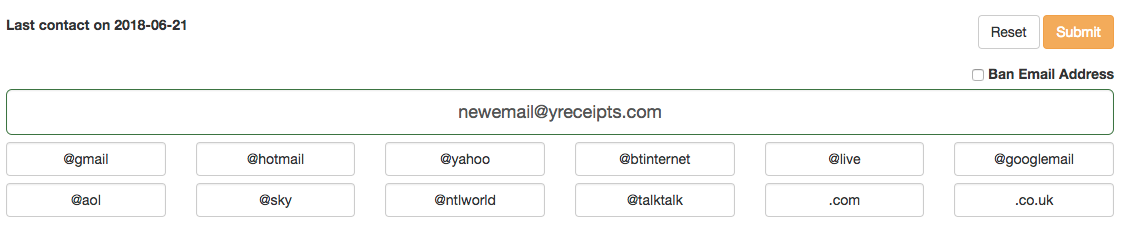
8) Finally, click on submit.