
tags: store closure, branch closure, remove store, store closed, store closing, closure notification
- Log in
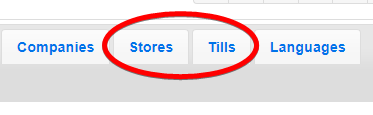
- Select a store or till - this can be done from the "Stores" or "Tills" tab
or from the "till status"
view using the button to the right of the store name or till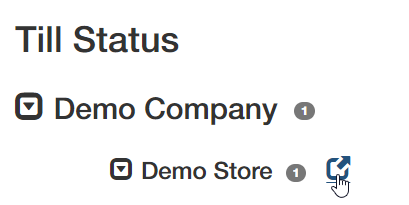

- You should now be in the "store" or "till" view. Scroll to the bottom and click delete
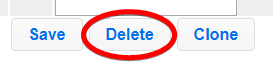
Tip: When a store is deleted, it will delete all of it's tills
(Note: Deleting a store from our back-end would not affect any historical data that is stored in your CRM or EPOS services)