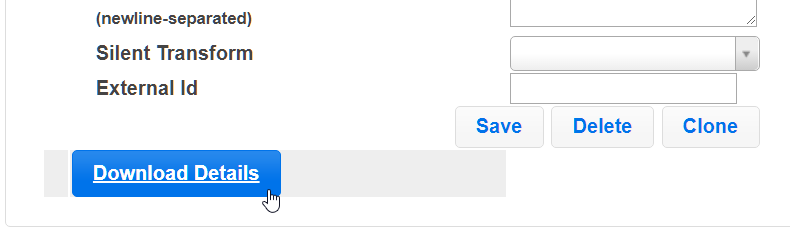
You might need to check what information eyos has for each store, such as email address or telephone number. This can be easily achieved with the new "Download Details" button which exports a csv of all stores and their information from a company. The steps to do this are outlined below:
- Log in to the eyos website.
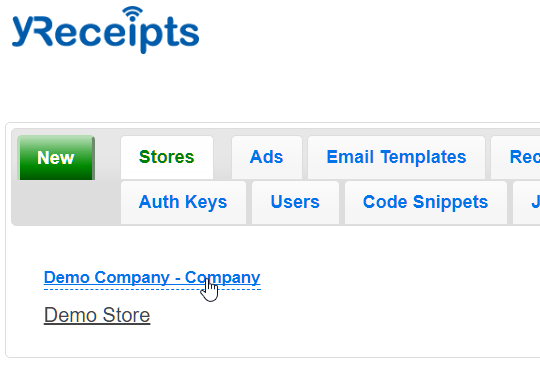
- Click on the company you want to download store details for
- Scroll down to the bottom and click the "Download Details" button