
1) Log in to your Datahub account
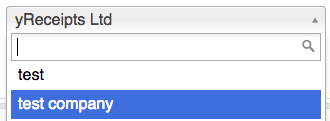
2) [If you manage multiple accounts under your main account], select the correct sub-account from the drop-down list at the top of the screen.
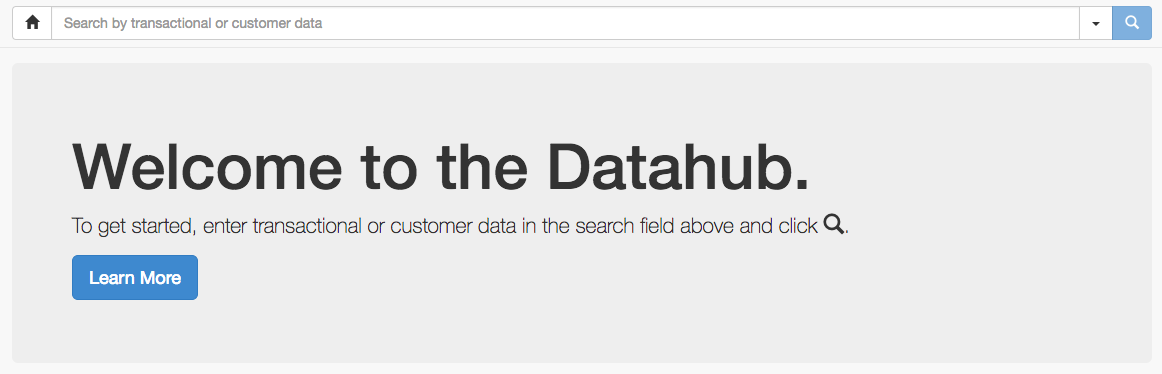
3) Load the Datahub by clicking on the Datahaub icon in the top-right corner of your screen.

4) Search for the email address of the customer to be removed.
5) Select the correct search result. You can either go directly to the customer profile or into a transaction and click on the email address there to get to the customer profile.
6) Ensure you have selected a store and till at the bottom of the screen.

7) Delete the email address or other data point and hit Submit.
If you were previously advised to use a different process, e.g. replace the customer email with removed@yreceipts.com, or another placeholder, please note that process should not be used anymore.
8) DO NOT FORGET to remove the email address from your other databases like CRM, Email Service Provider System, Marketing Platform etc.
(N.B. - It may take up-to minutes for the customer's email address tile to disappear from our datahub for subsequent searches)
tags: incorrect email, wrong user, wrong email address, remove email